





ezcap182 VHSDigi Pro
|
Features |
- Convert analog Composite video and S-Video to digital, save into SD card, up to 1080P60fps resolution. - With clear 4.3" HD IPS screen, can playback recorded video directly. - Record line audio input with video together. - Unique PAUSE RECORDING technology. - Image snapshot during reording. - Support adjusting Brightness, Contrast, Saturation and Hue. - Download recorded files to your computer. - 1 - 240 minutes Timer Recording and Time Watermark. - Retractable stand design. - Built-in speaker. |
| Specifications | - Interface: USB 2.0 - Video Input: Composite Video (3.5mm jack), S-Video - Audio Input: RCA L/R audio (from composite video or S-Video), 3.5mm TRS 3-pole Line In - Video Output: HDMI, 4.3 inch IPS screen - Audio Output: HDMI, Speaker, Earphone (3.5mm TRS 3-pole standard) - Storage: Micro SD card, supports FAT32 and exFAT, and NTFS is not supported. Max 1TB. - Resolution: Composite Video / S-Video input: 720 x 480, 720 x 576 HDMI Output / Record: Auto: NTSC - 720 x 480 (60p), PAL - 720 x 576 (50p) 720P: 1280 x 720p(60p) 1080P: 1920 x 1080 (60p) - Record Format and Quality: H.264 MP4, Max 22Mbps@1080P60fps, max. 3.8GB per file - Power Supply: USB Type-C jack, DC 5V2A (5V2A USB power adapter is not included). |
| Package Contents | ezcap182 VHSDigi Pro x1, Manual x1, USB cable x1, 3RCA AV cable x1 |
| Dimensions/Weight | 149 x 100 x 23 mm, 170g |
|
* The terms HDMI, HDMI High-Definition Multimedia Interface, HDMI trade dress and the HDMI Logos are trademarks or registered trademarks of HDMI Licensing Administrator, Inc.
|
|
-
Digitize Your VHS, Camcorder to Digital, save in Micro SD card.
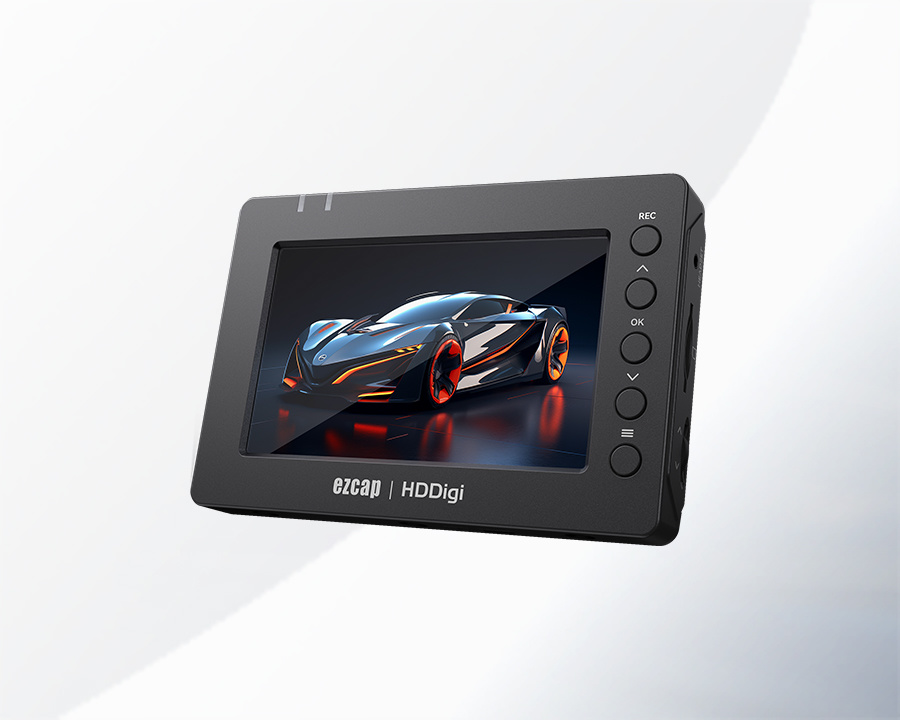
Directly operate all with 4.3inch IPS Screen
 More Operating during Recording
PAUSE/RESUME Recording, Snapshot Image.
Supports 1 to 240 Minutes Timeer Recording, and Water Mark Recording
 Adjust the Video Brightness, Contrast, Saturation and Hue manually.

Convenient Retractable Stand Design

-
Features
- Convert analog Composite video and S-Video to digital, save into SD card, up to 1080P60fps resolution.
- With clear 4.3" HD IPS screen, can playback recorded video directly.
- Record line audio input with video together.
- Unique PAUSE RECORDING technology.
- Image snapshot during reording.
- Support adjusting Brightness, Contrast, Saturation and Hue.
- Download recorded files to your computer.
- 1 - 240 minutes Timer Recording and Time Watermark.
- Retractable stand design.
- Built-in speaker.
Specifications - Interface: USB 2.0
- Video Input: Composite Video (3.5mm jack), S-Video
- Audio Input: RCA L/R audio (from composite video or S-Video), 3.5mm TRS 3-pole Line In
- Video Output: HDMI, 4.3 inch IPS screen
- Audio Output: HDMI, Speaker, Earphone (3.5mm TRS 3-pole standard)
- Storage: Micro SD card, supports FAT32 and exFAT, and NTFS is not supported. Max 1TB.
- Resolution:
Composite Video / S-Video input: 720 x 480, 720 x 576
HDMI Output / Record:
Auto: NTSC - 720 x 480 (60p), PAL - 720 x 576 (50p)
720P: 1280 x 720p(60p)
1080P: 1920 x 1080 (60p)
- Record Format and Quality: H.264 MP4, Max 22Mbps@1080P60fps, max. 3.8GB per file
- Power Supply: USB Type-C jack, DC 5V2A (5V2A USB power adapter is not included).
Package Contents ezcap182 VHSDigi Pro x1, Manual x1, USB cable x1, 3RCA AV cable x1 Dimensions/Weight 149 x 100 x 23 mm, 170g * The terms HDMI, HDMI High-Definition Multimedia Interface, HDMI trade dress and the HDMI Logos are trademarks or registered trademarks of HDMI Licensing Administrator, Inc.
-
Digitize Your VHS, Camcorder to Digital, save in Micro SD card.
Directly operate all with 4.3inch IPS Screen
More Operating during Recording
PAUSE/RESUME Recording, Snapshot Image.
Supports 1 to 240 Minutes Timeer Recording, and Water Mark Recording
Adjust the Video Brightness, Contrast, Saturation and Hue manually.
Convenient Retractable Stand Design
Related downloads
Download Title
Manual
Firmware
Driver
Software
Patch
ezcap182

Contact
-
Add: 7 Floor, A Building, Huilongda Industrial Park, Shiyan Street, Baoan, Shenzhen, 518049, PRC.
MESSAGE

Copyright © 2024, ForwardVideo, ezcap, all rights reserved.